Reinspect an Estimate
Use WorkCenter to perform an estimate reinspection, such as when more information is needed for quality assurance.
How To
 Reinspect an Estimate
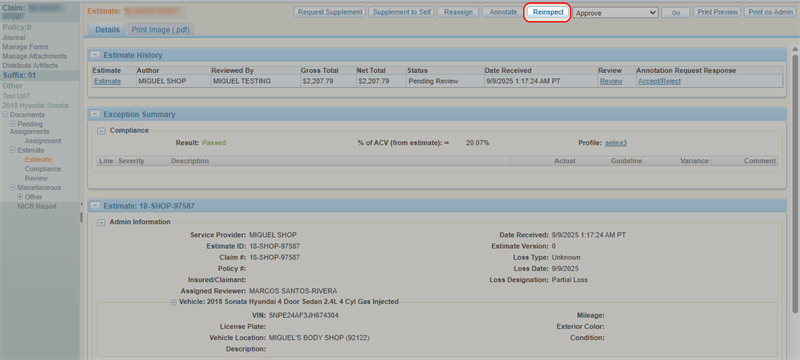
- Navigate to the details page of an estimate.
- Select Reinspect.
-
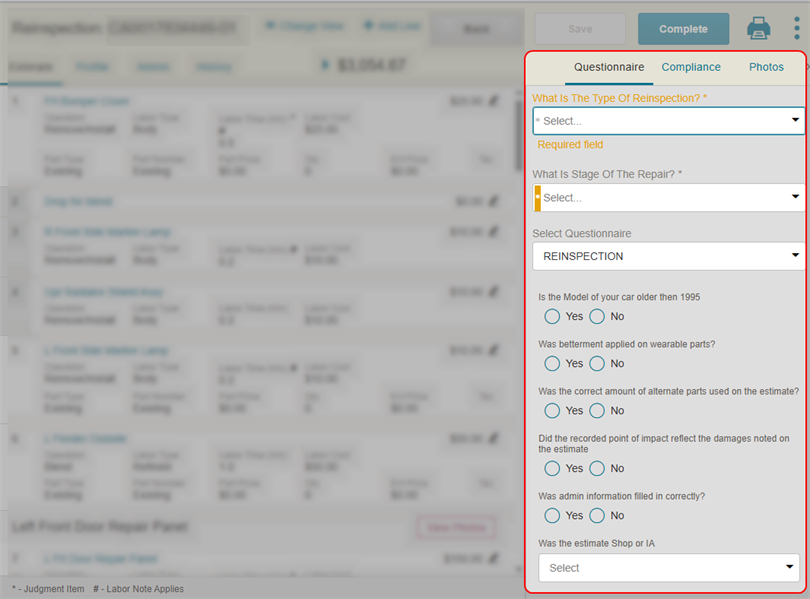
Select the Questionnaire tab.
-
Select the Type of Reinspection being performed, such as Desk, Reinspection or Physical Reinspection (Field or Remote).
-
Select the Stage of the Repair process in which the reinspection is taking place, such as Pre-Repair, During Repair, Post Repair.
-
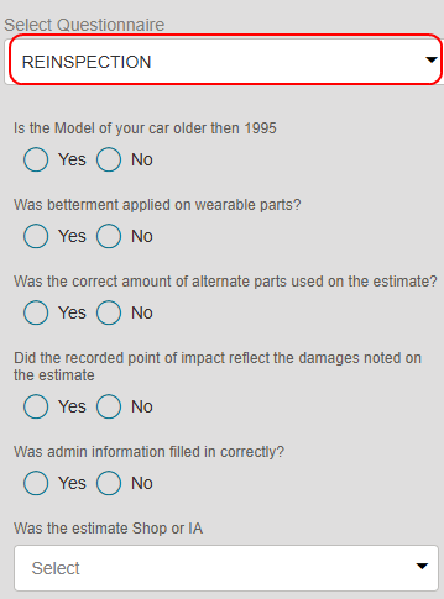
Select a Questionnaire from the list.
-
Complete the rest of the reinspection questionnaire as necessary.
Note: Questions vary by insurance company.
-
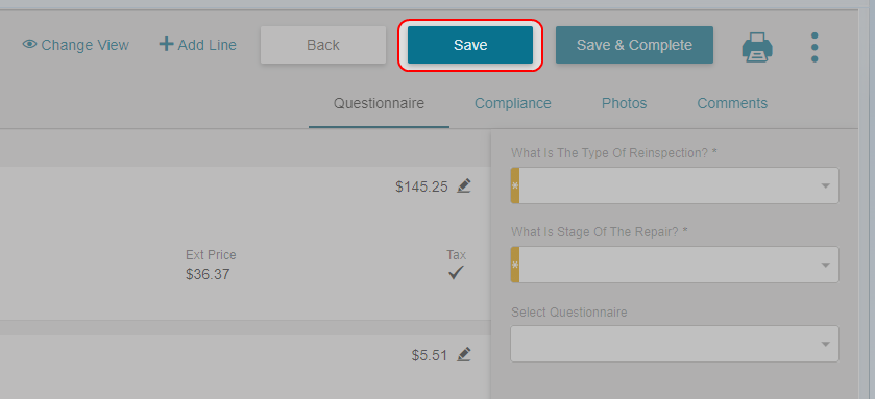
Select Save.
-
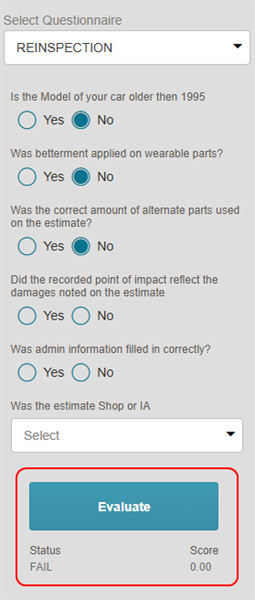
After you complete the questionnaire, select Evaluate to view the status and score of the reinspection.
-
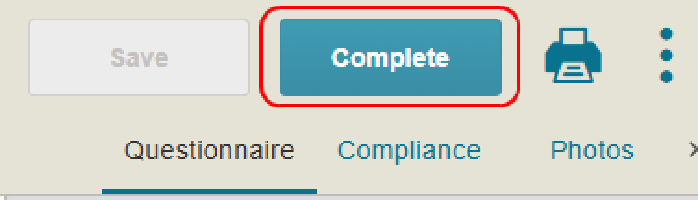
Once finished with the reinspection, select Complete.
-
Select Complete to confirm.

View a Completed Reinspection
-
Navigate to the details page of an estimate.
-
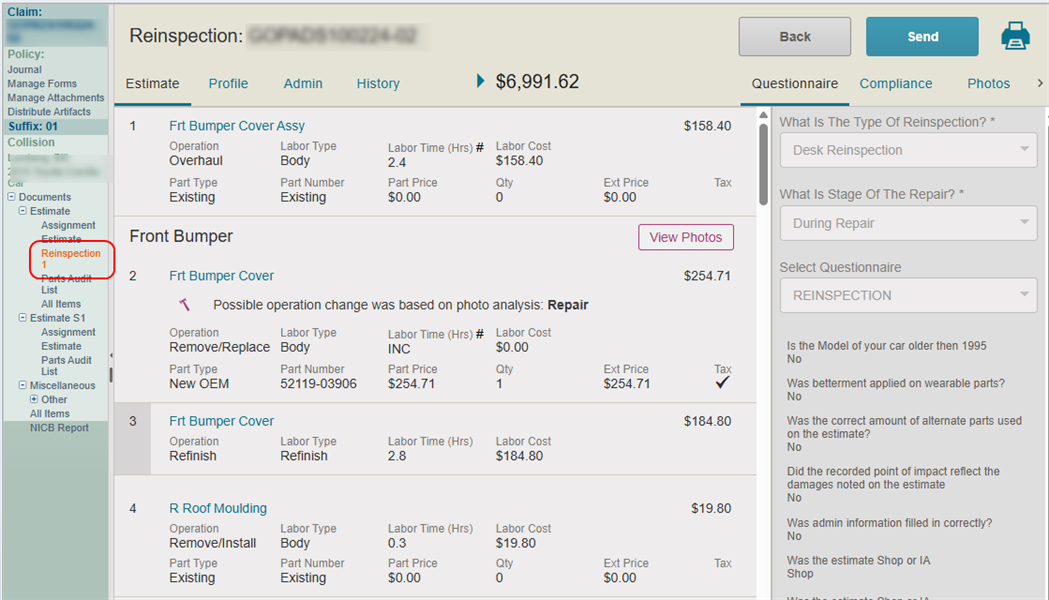
In the claim navigation pane, select Reinspection.
-
View the reinspection results on the page.
Print the Reinspection Report
-
Navigate to the details page of an estimate.
-
In the claim navigation pane, select Reinspection.
-
Select
 .
. -
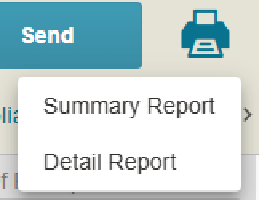
Do one of the following:
-
Select Summary Report.
-
Select Detail Report.
-
-
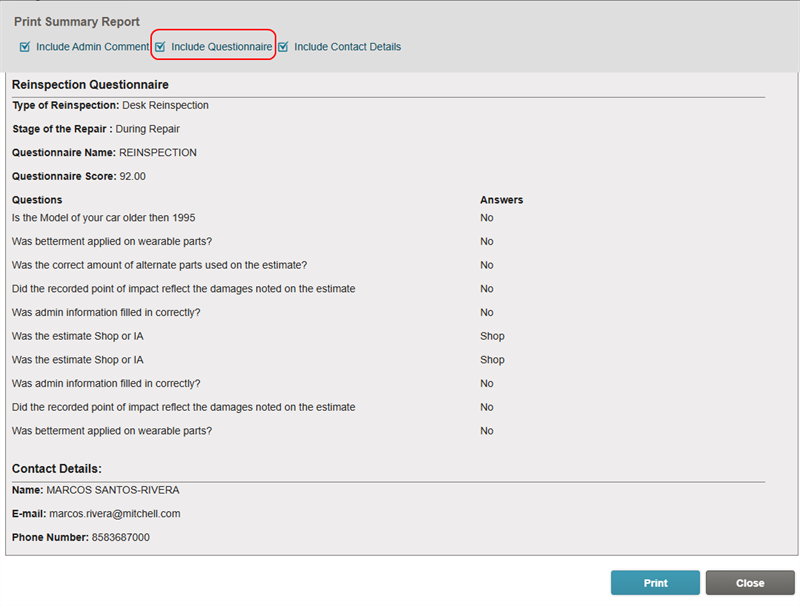
Select the Include Questionnaire check box.
-
Select Print.
Related topics
