Access Review Tasks
After an estimate has been sent to WorkCenter, the estimate may need to be reviewed. You can access your assigned review tasks from your Work Queue.
How to
 Access Your Review Tasks
-
On the Work Queue menu in the navigation bar, select Tasks.

-
Select the My Open Tasks tab from the Integrated Work View page.

-
Select the Claim Number of the desired review task to open the claim information page.
-
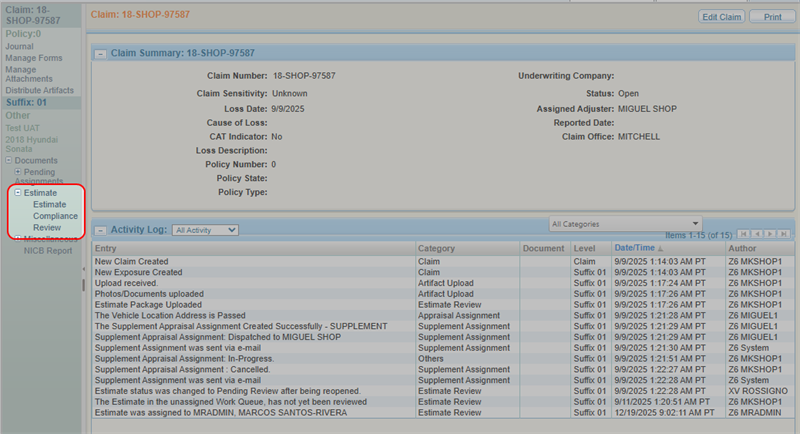
From the claim navigation pane, select Estimate.
-
Select Review.
Related topics
