WorkCenter Navigation Overview
WorkCenter features three main areas:
-
The main window
-
Workspace
-
Claim navigation pane
Each area has its own set of controls and navigation tools, which are available according to the products included in your WorkCenter and your permissions-based level of access.
Reference
 Main Window
The main window of WorkCenter provides a standard set of controls and navigation tools, which are available according to the products included in your WorkCenter and your permissions-based level of access.

The main window components are the top two bars in your browser window: the system bar and the navigation bar. See Main Window Components for more information.
Workspace
The Workspace varies according to the choices you make using the main window and claim navigation pane components.
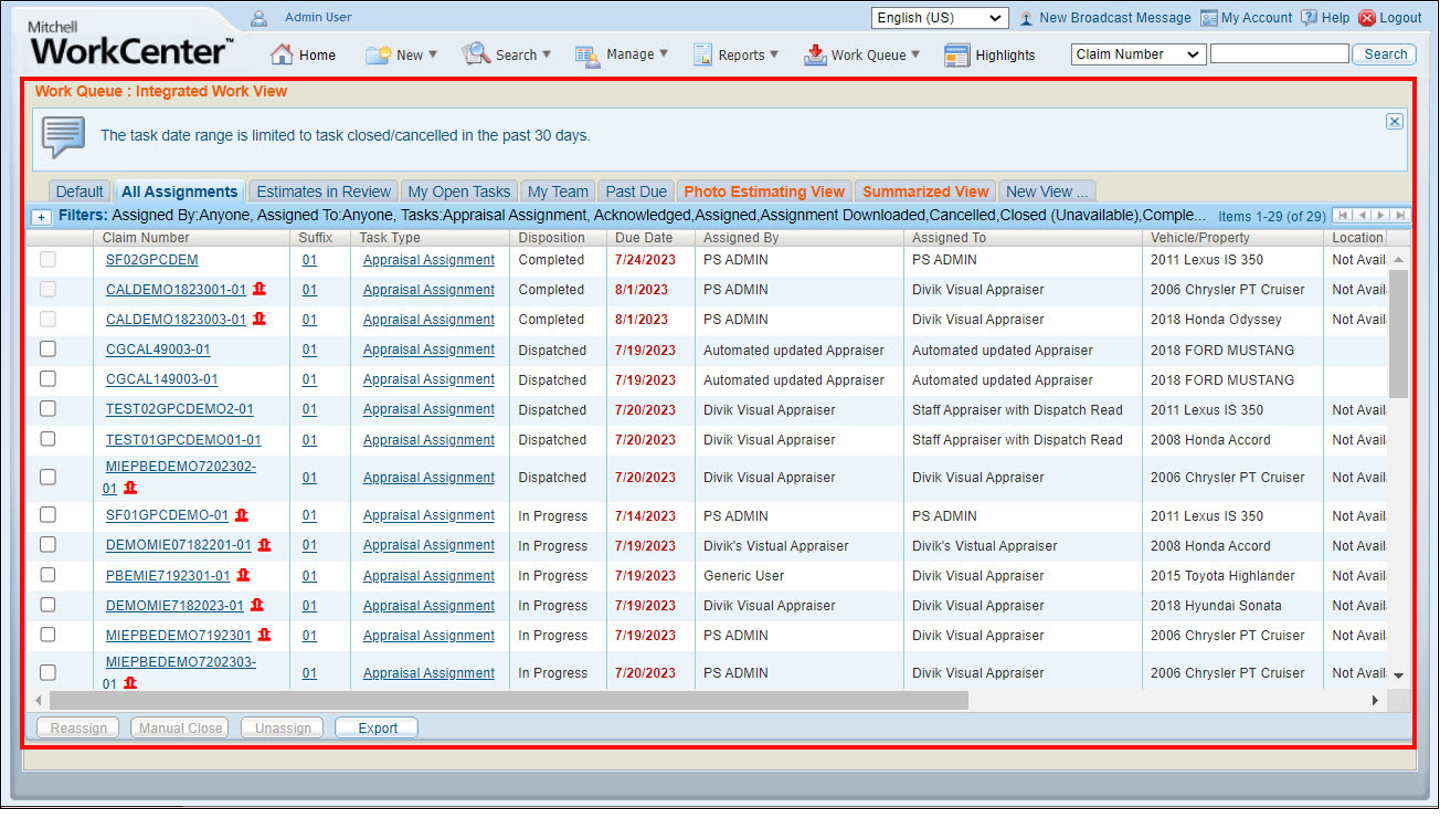
See Navigate the Workspace for more information.
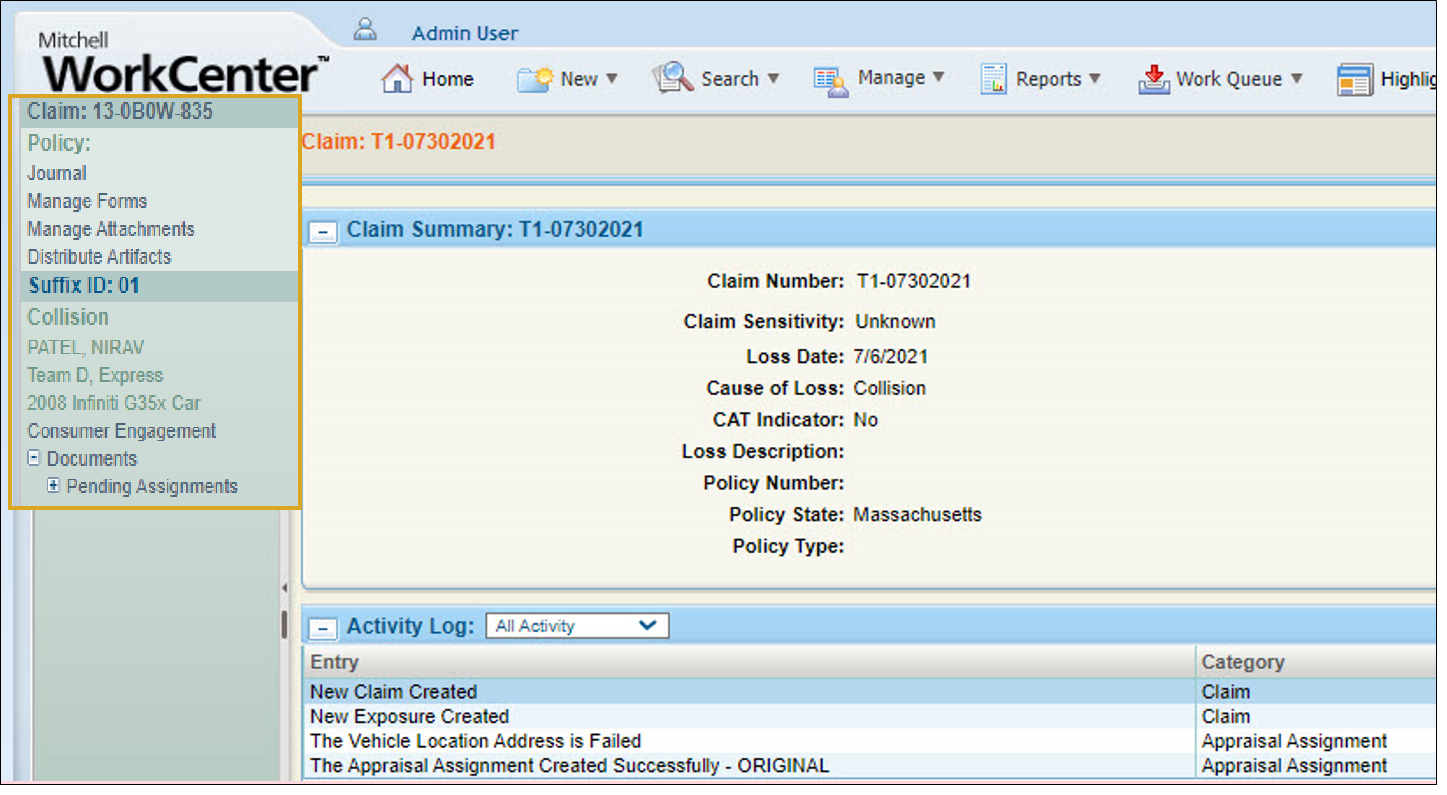
Claim Navigation Pane
The claim navigation pane opens on the left side of the workspace while you are working on a claim. Use the claim navigation pane to view all items and artifacts associated with the claim.
Assist Messages
The following icons are used in WorkCenter to provide information on certain operations:
| Icon | Description |
|---|---|
 Note Note |
Provides additional information about the current page. |
 Caution Caution |
Indicates a condition that you should be aware of. |
 Stop Stop |
Indicates that a serious problem has occurred. |
| Error |
Indicates that an error has been made, such as incorrectly formatted information during data entry. |
 In Progress In Progress |
Indicates that a process or report is currently in progress, and that you should wait until it is complete. |
Related topics
